
Oct 20, 2026 · 7 min read
Recruiting Tech Stack in 2026: How to Audit It and Cut the Tools You Don’t Need

Saad Sufyan
Share:

Founder & CEO @ Codesy Consulting | Building ConnectDevs, an AI-Powered Hiring Platform | Helping Companies Scale with Elite Software Engineers, AI Solutions & Digital Transformation | Worked with Startups, Enterprises & Fortune 500 Brands
Recruiting Tech Stack in 2026: How to Audit It and Cut the Tools You Don't Need
A recruiting tech stack is the set of tools your team uses to source, contact, screen, interview, schedule and hire candidates. Most stacks grow by accident: one tool for sourcing, another for email, a spreadsheet for notes, an assessment tool nobody opens. The cost is not only the subscriptions. It is the handoffs, duplicate data and hours lost switching tabs.
This guide gives you a five-step audit you can finish in an afternoon. It shows how to map every tool, measure real usage, spot overlap and decide what to keep, merge or drop. It also covers when consolidation is a mistake.
TL;DR
- Integration is a top pain point. HR.com research cited by Pin reports 46% name lack of integration as their top HR-tech issue, and only 39% say their tools are usefully integrated.
- A survey of 930 North American recruiters by Findem and Recruiter.com found 84% say their primary sourcing tool produces less than 40% of their hires.
- Audit by job to be done, not by vendor: list each task, the tool that does it, the cost and how often it is used.
- Consolidate where handoffs cause errors. Keep separate tools where depth matters more than convenience.
Table of Contents
- What a recruiting tech stack includes
- Why stacks sprawl
- The 5-step audit
- Keep, merge or drop: a decision rule
- When consolidation backfires
- FAQ
What a recruiting tech stack includes
A recruiting tech stack typically covers seven jobs: tracking applicants, managing candidate relationships, sourcing, outreach, interviewing and scheduling, assessment, and background checks. Pin's 2026 stack report uses a similar seven-category frame. Add AI tools, enrichment and analytics, and most teams are running more categories than they realize.
You do not need a tool in every category. A five-person startup may need only an ATS, a sourcing tool and a calendar link. An agency may need a candidate CRM and a client CRM. The audit below works for either.
Why stacks sprawl
Tools arrive one at a time to fix one problem. A sourcing tool is added because LinkedIn Recruiter is expensive. An outreach tool follows because replies need tracking. A scheduling tool comes next. Nobody removes the old ones.
The data shows how common the result is. Pin cites HR.com research finding 62% of organizations pay for two to four HR solutions from different providers, and 47% say substantially reconfiguring their stack is difficult or very difficult. Pin's own user survey reports 38.8% of teams juggle four or more distinct recruiting tools day to day. Treat the Pin survey with care: it covers Pin's users, and Pin sells a consolidated platform.
The performance data is more worrying. In the Findem and Recruiter.com survey reported by UNLEASH, 84% of teams said their primary sourcing tool produced less than 40% of their hires, and one in five spent up to 80% of their tech budget on a single source. Both vendors sell recruiting tools, so read the figures as directional.
The 5-step audit
Step 1: List every tool, including free ones
Pull the list from three places: finance (invoices and cards), IT (single sign-on and browser extensions) and the recruiters themselves. Include spreadsheets, shared inboxes and free Chrome extensions. These shadow tools often hold candidate data your ATS never sees.
Step 2: Map each tool to a job
Build a table with these columns:
| Tool | Job it does | Annual cost | Seats paid vs active | Connects to ATS? | Owner |
|---|---|---|---|---|---|
| Example sourcing tool | Find passive candidates | $X | 5 paid / 2 active | Yes / No | Name |
| Example scheduler | Book interviews | $X | 8 paid / 8 active | Yes / No | Name |
Two columns do most of the work: seats paid versus active, and whether data flows to your ATS. Unused seats are the fastest saving, and manual copy-paste is where errors enter.
Step 3: Measure what each tool contributes
For the last two quarters, count how many hires, interviews or qualified replies each tool produced. If you cannot measure it, that is itself a finding. Our guide to cost per hire for engineering roles shows how to include tool cost, agency fees and internal time in one number.
Step 4: Find overlap and gaps
Look for two tools doing the same job, such as two sourcing databases or two email-sequencing tools. Then look for jobs done by hand: a recruiter exporting a CSV every Monday, a spreadsheet tracking interview feedback, a manual reference-contact lookup. Those are automation candidates. Our article on what AI recruiting agents actually automate shows which tasks are reliable to hand off today.
Step 5: Score each tool
Rate each tool from 1 to 5 on four criteria and add them up:
- Usage: are paid seats active every week?
- Impact: does it measurably produce candidates, interviews or hires?
- Integration: does data move to your ATS without copy-paste?
- Replaceability: could another tool you already pay for do the job?
Keep, merge or drop: a decision rule
Use the scores to sort tools into three groups.
- Keep tools with high usage and high impact, especially your ATS, which is usually the system of record.
- Merge tools with overlapping jobs. Combine sourcing, enrichment and outreach if one platform does all three well enough. Compare options in our guides to LinkedIn Recruiter alternatives and hireEZ alternatives.
- Drop tools with low usage, low impact and an easy replacement.
Before you cancel anything, export your data, check contract renewal dates and notice periods, and keep a two-week overlap so live searches are not interrupted. The goal is fewer handoffs, not fewer tools for its own sake.
A source-to-screen workflow is one common merge target. ConnectDevs brings AI sourcing, enrichment, outreach and the AI interviewer into one workspace, with plans from free to $459 per month on its pricing page. It does not replace an ATS, HRIS, scheduling or background-check tools, so keep those where they work.
When consolidation backfires
All-in-one platforms are not always the answer. Watch for four risks:
- Weaker depth. A suite may do ten jobs adequately and none exceptionally. If sourcing is your core need, keep a specialist.
- Migration cost. HR.com data cited by Pin says 47% find substantial reconfiguration difficult. Budget time for data migration and retraining.
- Lock-in. Check export options and contract terms before you move candidate data.
- Compliance blind spots. If one platform scores or ranks candidates, confirm audit, notice and record-keeping needs. See our AI candidate screening software guide.
Pilot any replacement on one live role first. Compare qualified candidates, hours spent and cost against your current tools before you cancel the old ones.
FAQ
What is a recruiting tech stack?
It is the combination of software a team uses across the hiring process: ATS, candidate CRM, sourcing, outreach, scheduling, assessments, interviews and background checks, plus any AI tools layered on top.
How many tools should a recruiting team use?
There is no ideal number. The UNLEASH report on the Findem and Recruiter.com survey says most teams now use five or fewer talent tools. Use as few as cover your real jobs without manual workarounds.
How do I audit my recruiting tech stack?
List every tool, map each to a job, measure usage and results, find overlap and gaps, then score each tool and decide whether to keep, merge or drop it.
Should I replace my ATS with an all-in-one platform?
Only if your ATS is the actual problem. Most teams get more value from fixing the handoffs around the ATS than from replacing it. If you replace it, plan data migration carefully.
How much does a recruiting tech stack cost?
It varies by team size. Add up subscriptions, unused seats and the hours spent on manual work, then compare the total with your cost per hire. SHRM's 2025 benchmark, as cited by Pin, puts average cost per hire at $5,475 for non-executive roles.
Where does AI fit in the stack?
AI sits inside sourcing, outreach, screening and interviewing tools, or as a layer across them. Keep humans reviewing decisions. Our guide to AI recruiter vs human recruiter explains where the line sits.
Conclusion
A good stack is one your team actually uses, where data moves without copy-paste and every tool earns its place with measurable results. Run the audit once a year, and again whenever a renewal lands. You will usually find unused seats, overlapping tools and a few manual steps worth automating.
Want to see how one workflow can cover sourcing through first-round interviews? Explore AI candidate sourcing and test it on a live role.
Recent blogs
View allRecruiting Tech Stack in 2026: How to Audit It and Cut the Tools You Don’t Need
Oct 20, 2026

Recruitment CRM Software for Agencies: 8 Tools Compared for 2026
Oct 20, 2026

How to Hire Your First Software Engineer: A Founder’s Playbook for 2026
Oct 19, 2026
How to Source Developers on GitHub: A Recruiter’s Step-by-Step Guide
Oct 19, 2026
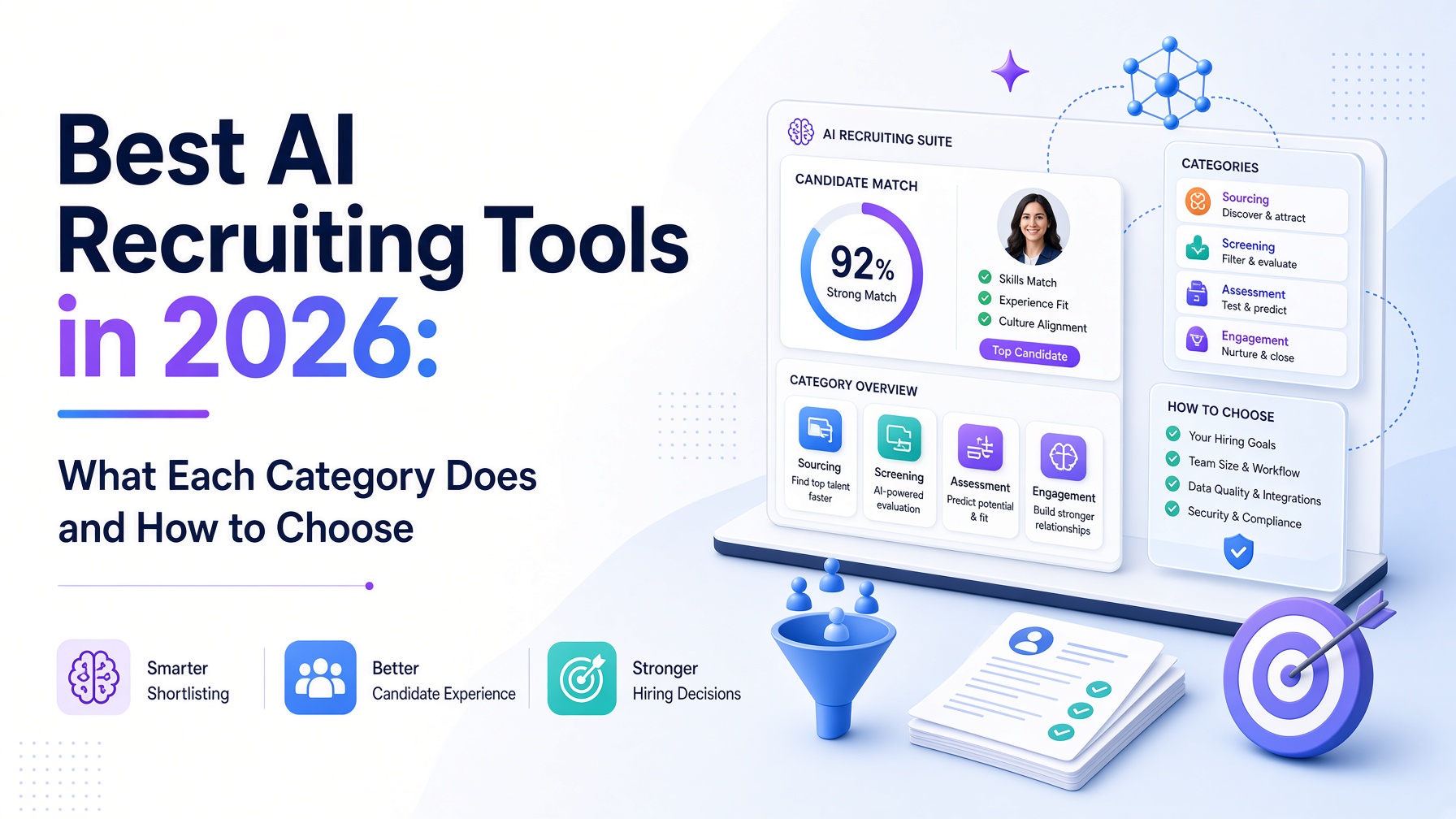
Best AI Recruiting Tools in 2026: What Each Category Does and How to Choose
Oct 15, 2026